The logical and physical models are separate models. The logical model represents business information and defines the associated business rules. The physical model, in contrast, describes the physical implementation of the model within a database.
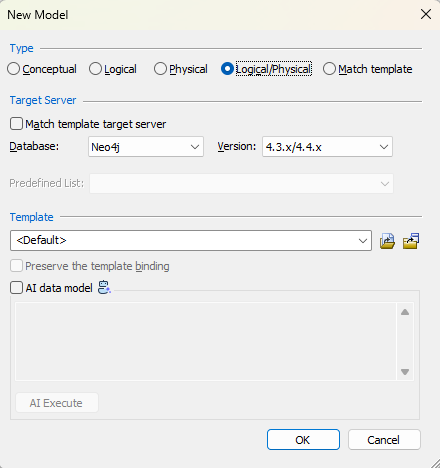
In a logical/physical model, you can switch between the models to view and work with the model objects specific to a logical or a physical model. You can create a logical/physical model by selecting the Logical/Physical option from the New Model screen.
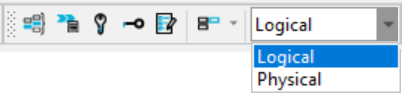
To change the model view, you can select either Logical or Physical option from the Logical/Physical selector drop-down on the Display toolbar.