Apply Associations
Using Associations, you can assign the glossaries to the models in your catalogs.
To create associations, follow these steps:
-
Go to Application Menu > Enterprise Glossary.
The Enterprise Glossary page appears.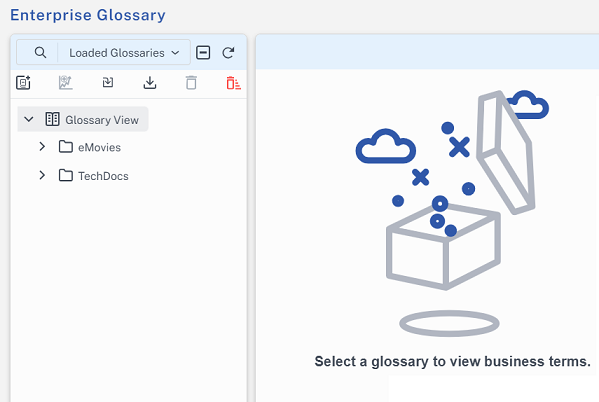
-
Select the required top-level glossary.
-
On the Associations tab, select the catalogs to which you want to assign the glossary.
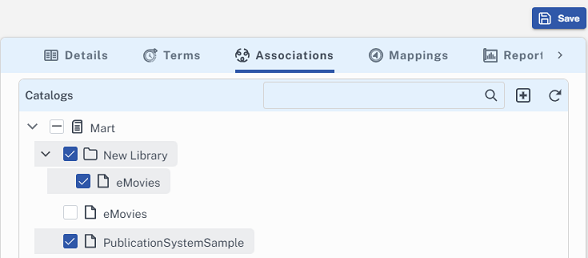
-
Click Save.
The glossary is associated to the selected catalogs.