erwin DM now supports AI-based DDL script validation. You can now validate your reverse engineering and forward engineering scripts before using them. This reduces manual effort and minimizes errors, and helps in troubleshooting to maintain script accuracy.
 Validating Reverse Engineering Scripts using AI
Before using any DDL script for reverse engineering, you can validate it using the AI assistant.
To validate DDL scripts, follow these steps:
-
In erwin DM, click Actions > Reverse Engineer.
The New Model screen appears.
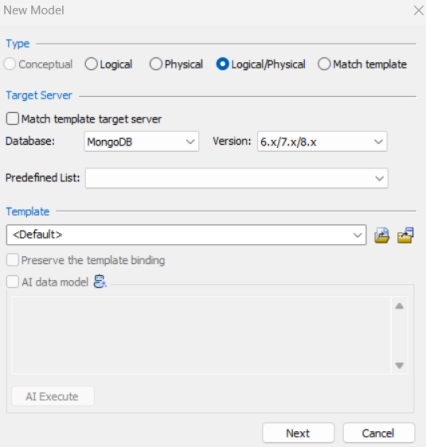
The Conceptual model and AI data model features are available starting erwin DM 15.2.
-
Click Logical/Physical and select a Database.
-
Click Next.
The Reverse Engineering Wizard appears.
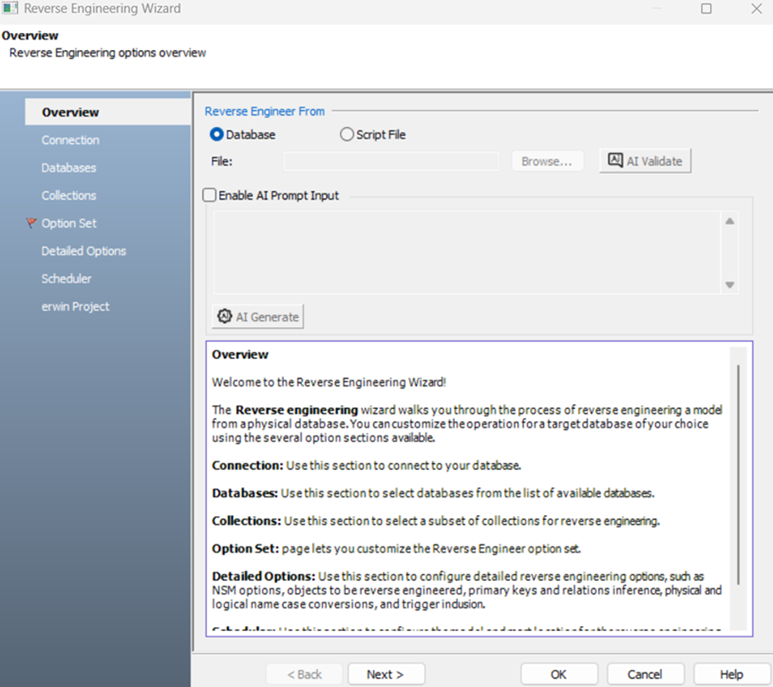
-
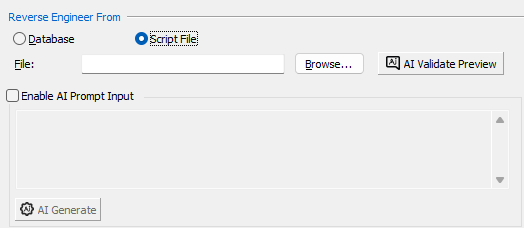
Click Script File.
Clicking this option enables the File field and the AI Validate Preview button.
-
Click Browse and select your script file.
-
Click AI Validate Preview.
AI reviews the script and displays results accordingly in the following scenarios:
-
Scenario 1: Script is correct
When you upload a syntactically correct script, a confirmation message appears. For example, The script you posted for MongoDB is syntactically correct.

-
Scenario 2: Script contain errors
When your script has syntax errors, the validation result displays error information along with suggestions to help you fix them.
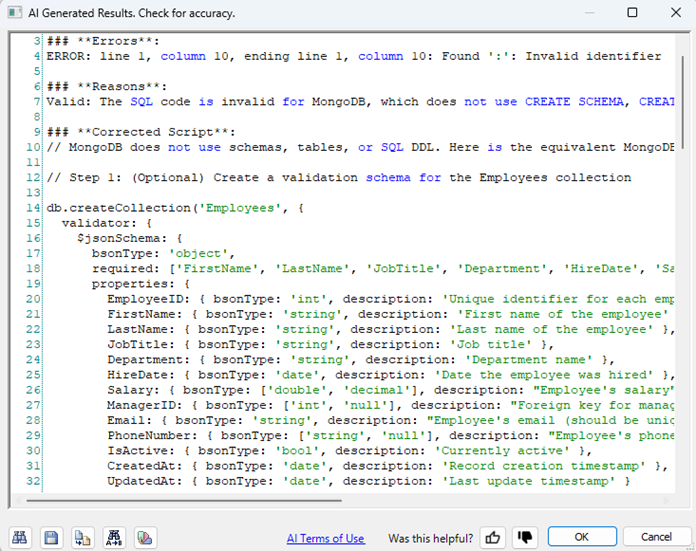
-
Validating Forward Engineering Scripts using AI
Before forward engineering models, you can validate schema scripts using the AI assistant.
-
Open your model in erwin Data Modeler.
For example, open a MongoDB model.
Ensure that you are in the Physical mode.
-
Click Actions > Schema.
The Forward Engineer Schema Generation Wizard appears.
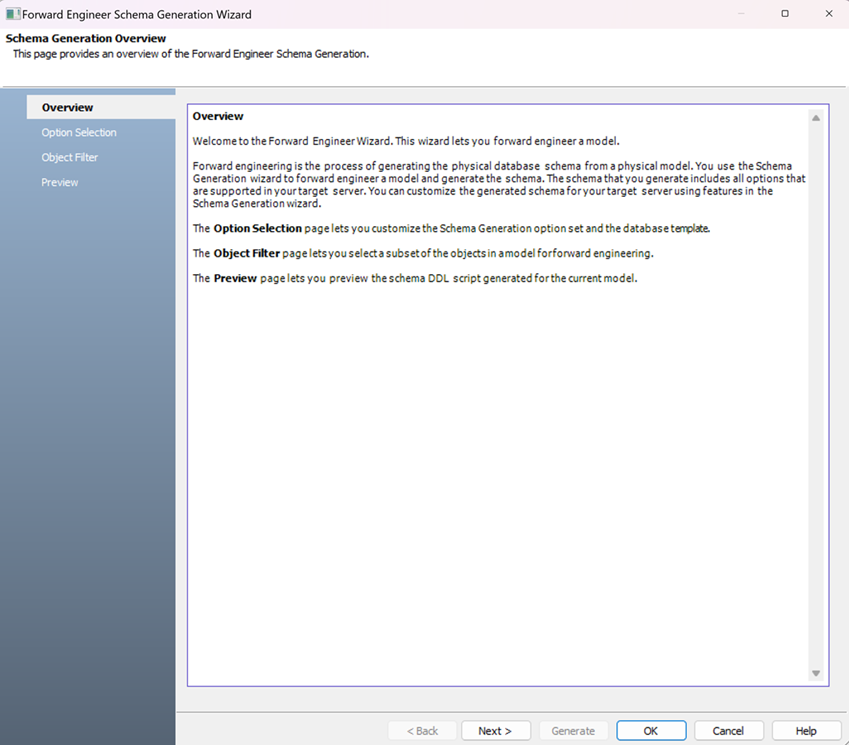
-
Select appropriate options on the Option Selection and Object Filter tabs.
-
Click Preview to view the schema script.
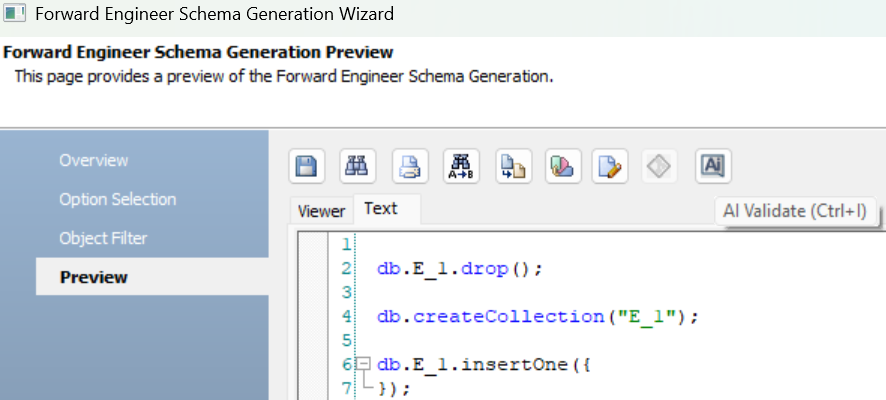
-
Click
 .
.AI reviews the script and displays results accordingly in the following scenarios:
-
Scenario 1: Script is correct
When the generated script is syntactically correct, a confirmation message appears. For example, The script you posted for MongoDB is syntactically correct.
-
Scenario 2: Script contains errors
When your script has syntax errors, the validation result displays error information along with suggestions to help you fix them.
-
Click OK.
-
Click Generate.
The forward engineering process starts. The script generates your physical database schema. You can access your database and verify the newly generated schema.
The AI Validate Preview feature has token limitations. If your script is too long, it may be truncated or generation or validation may fail. During validation, syntax or keyword mismatches may also occur due to differences in supported database versions. In such cases, you must manually correct the script before running it.