Editing Systems
You can update a system by editing it.
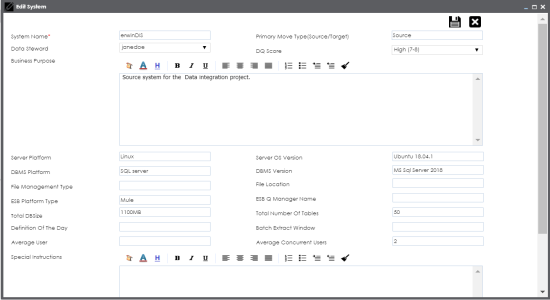
To edit systems, follow these steps:
- Go to Application Menu > Data Catalog > Metadata Manager.
- Under the System Catalogue pane, right-click the system to be edited.
- Click Edit System.
- Update any field as desired.
- Click
 .
.
The Edit System page appears.
The system is updated.
|
Copyright © 2020 erwin, Inc.
All rights reserved.
|
|