Using Release Manager
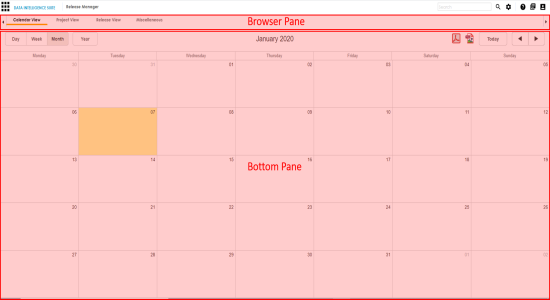
To access the Release Manager, go to Application Menu > Data Catalog > Release Manager. The Release Manager dashboard appears:
|
UI Section |
Function |
|
Browser Pane |
Use this pane to browse through different views and a Miscellaneous tab. There are three different views:
|
|
Bottom Pane |
Use this pane to view or work on the data displayed based on your selection in the browser pane. |
|
Copyright © 2020 erwin, Inc.
All rights reserved.
|
|