You can run a validation rule query against a reference table after associating the table with
the validation rule. Executing validation rule validates the data in the reference table.
To run validation rules against reference tables, follow these steps:
- In the Workspaces pane, click a reference table.
- Click
 .
. - Select an environment and a validation rule.
- Click
 .
.
The following page appears. Ensure that you are not in edit mode. If you are in edit mode, click  to cancel edit.
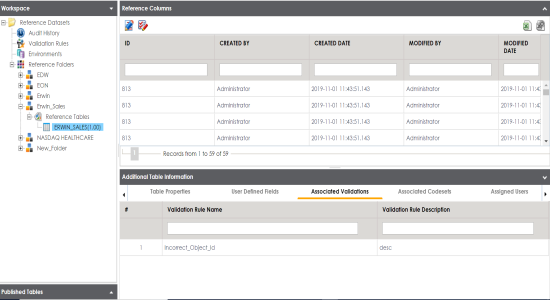
The Validate Table page appears.
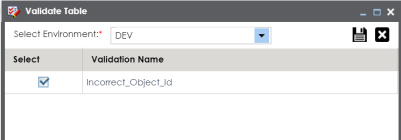
For more information on creating environments, refer to the Creating Publish Environments topic.
Validation is successfully executed.
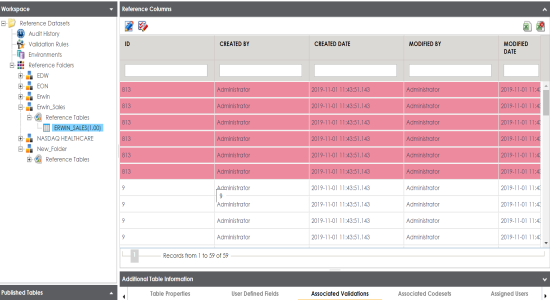
The error rows returned by executing the validations are highlighted in red color.