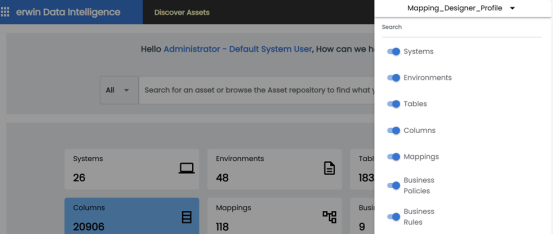
For every profile, you can select a list of assets visible to it in the Discover Assets module.
To select object types, follow these steps:
- On the Profiles page, click a profile. For example, Mapping_Designer_Profile.
- Click the Discover Assets tab.
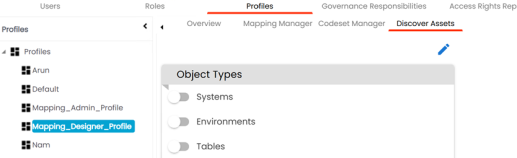
- Click
 .
. - Under Object Types, switch on the required asset types on.
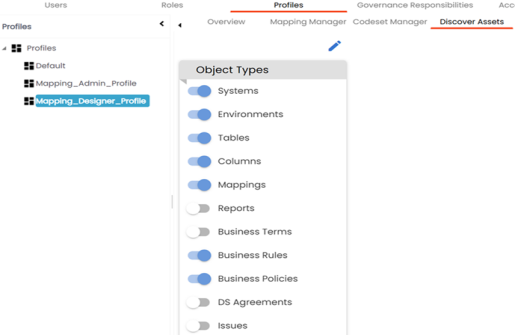
-
Click
 .
.
By default, the Overview tab opens.
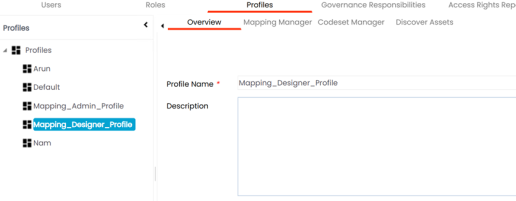
The selected asset types are set for the selected profile.
These asset types are available in the Discover Assets module on profile selection. For more information, refer to the Discover Assets topic.