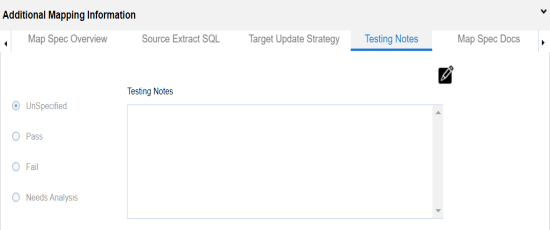
You can keep a record of testing notes related to a mapping specification and specify test results as:
- Un-specified
- Pass
- Fail
- Needs analysis
To update testing notes, follow these steps:
- In the Additional Mapping Information pane, click the Testing Notes tab.
- Click
 .
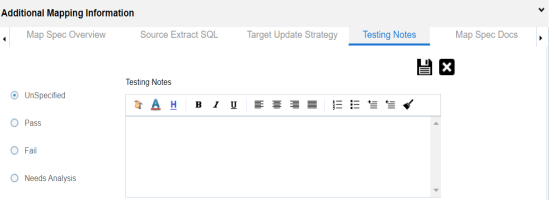
. - Click the appropriate option for test results and enter Testing Notes.
- Test results: Pass
- Testing Notes: The mapping specification passed the testing and it is ready for the ETL process.
- Click
 .
.
For example:
The Testing Notes are updated.