Once the mappings are considered 'approved for coding', you can export the mappings as coding requirements to automatically generate ETL/ELT jobs for tools, such as Informatica PowerCenter, IBM DataStage, Big Data, and Talend.
- Go to Application Menu > Data Catalog > Mapping Manager.
- In the Workspace Mappings pane, right-click a project.
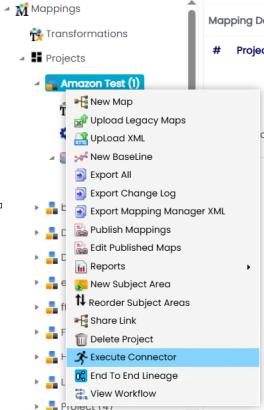
- Click Execute Connector.
The Connectors page appears.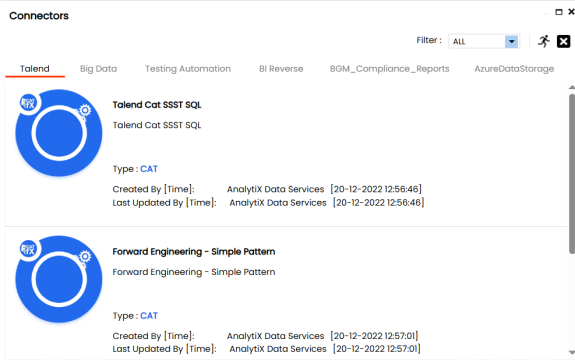
- On the Connectors page, go to relevant tab based on the export requirements and select an ETL tool.
The screenshot below displays Talend tab as an example.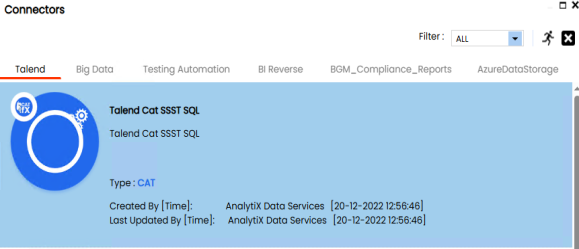
- Click
 .
.
The Multi Mapping page appears.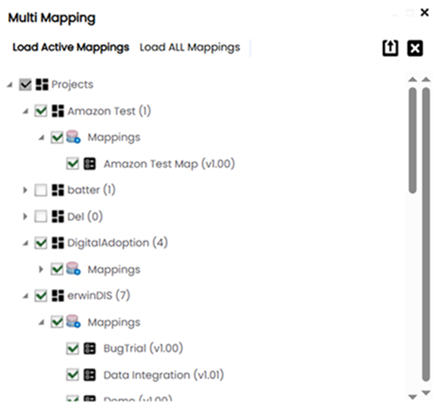
- Select the required mappings and click
 .
.
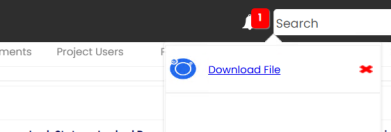
The following notification appears. - Click Download File.
Selected projects and maps are exported and downloaded as a ZIP file. Unzip this file to use mapping specifications in the TXT format.