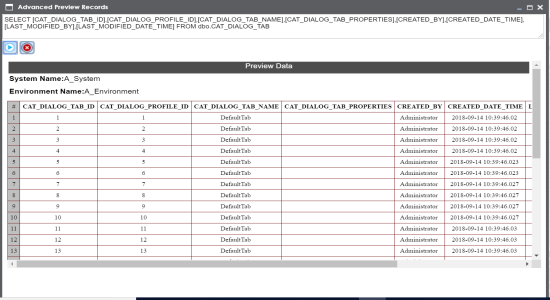
You can preview data in a table using the Metadata Tree View pane. You can also enter
SQL queries to preview the required data in the database.
To preview data from databases, follow these steps:
- Go to Application Menu > Data Catalog > Mapping Manager.
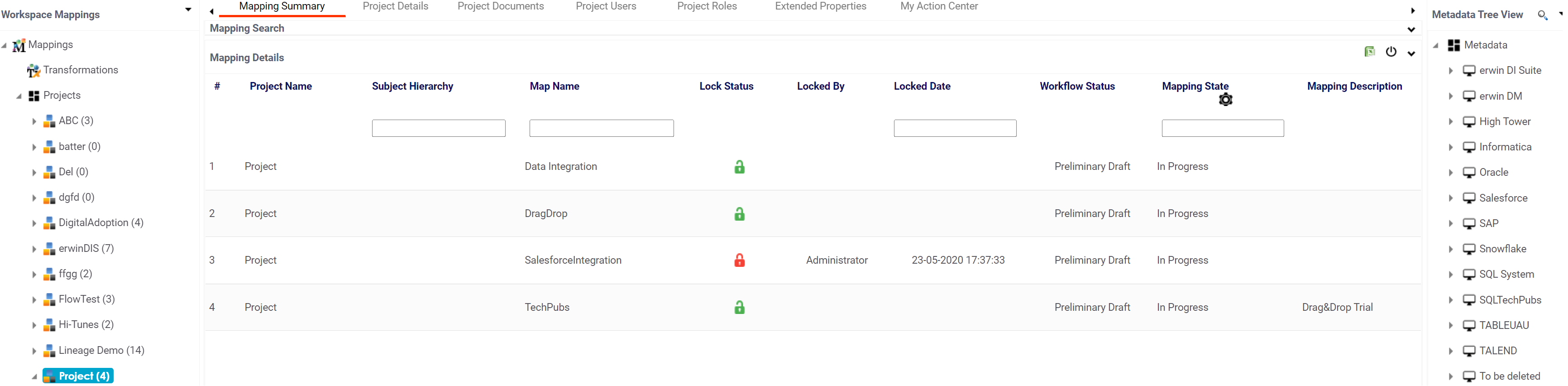
- In the Workspace Mappings pane, click a project.
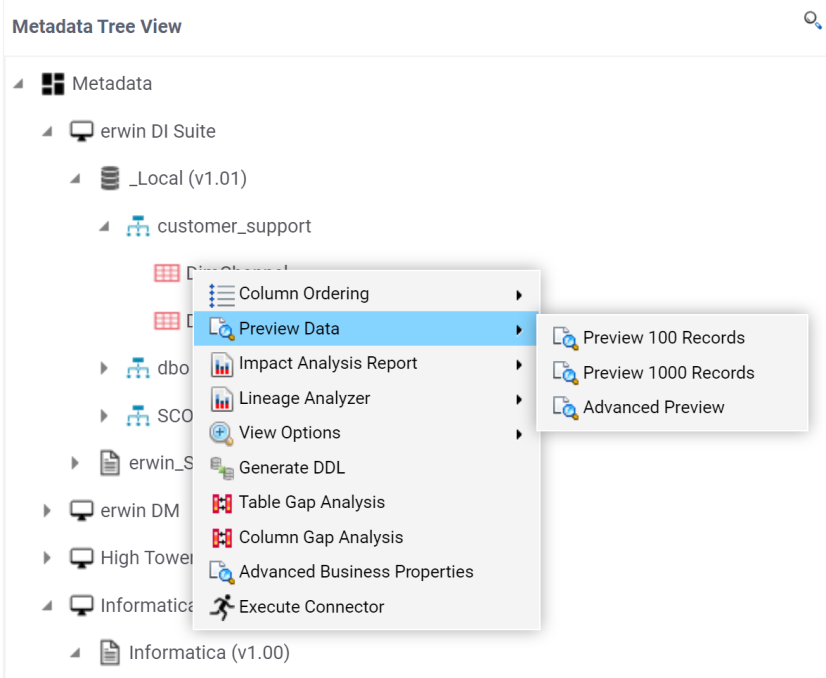
- In the Metadata Tree View pane, right-click a table and hover over Preview Data.
- Click any one of the following:
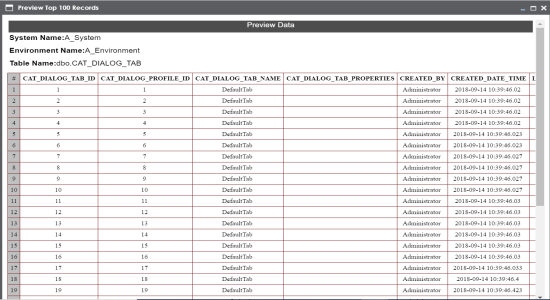
- Preview 100 Records
- Click this option to preview the first 100 records.
- Preview 1000 Records
- Click this option to preview the first 1000 records.
- Advanced Preview
- Click this option to preview data based on a SQL query.
-
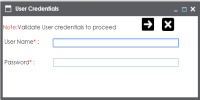
- Enter User Name and Password to connect with the database.
The Metadata Tree View pane appears on the right.
For example, if you click Preview 100 Records, then the User Credentials page appears.
You can preview the data based on the options you selected.
If you use Advanced Preview then you need to enter a SQL query in the space provided and click  to preview the data.